








 MARKETING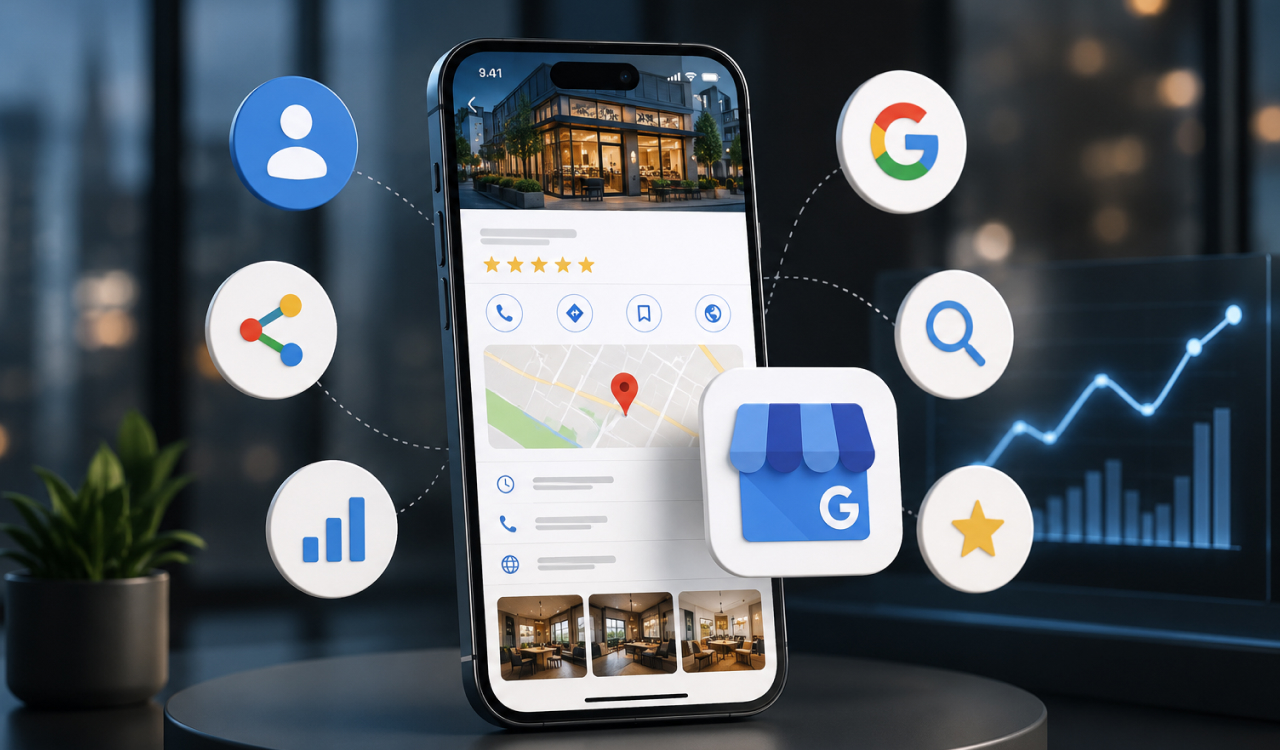
If you serve customers in a specific area and you're not actively using your Google Business Profile - the listing that shows up in Google Maps and local search - you're leaving one of the highest-return, zero-cost marketing channels on the table. Here's why it matters and how to get it right.
Why it matters
The local "map pack" appears above regular search results for searches like "web designer near me" or "[service] in [city]" - so a strong profile can outrank your own website for the searches that matter most. It's free, it's where your reviews live, and a complete profile builds trust before someone even clicks through.
How to set it up and optimise it
- Claim and verify it. Search your business on Google and claim the listing, or create one.
- Complete every field - name, exact category, address, service area, hours, phone, website. Completeness itself helps you rank.
- Keep your NAP consistent - your name, address, and phone should match your website exactly. Inconsistencies confuse Google.
- Write a clear description using the words customers actually search.
- Add real photos and keep them current - profiles with photos get far more engagement.
- List your services so they show directly in your profile.
- Get reviews consistently, and reply to all of them. Reviews are one of the strongest local ranking and trust signals there is.
- Post updates - offers, news, recent projects. Google favours active profiles.
- Use the Q&A section - answer common questions (you can seed them yourself).
The mistakes to avoid
Half-filling the profile, letting your address drift out of sync with your site, ignoring reviews (especially negative ones - a calm, professional reply matters more than the review itself), and never posting.
One bonus:
if you've earned good reviews, this is the safe, Google-approved place for your star rating to appear in search - no risky review markup on your own site required.